חשבון, חיוב ותוכניות
שדרוג או שינוי התוכנית שלך
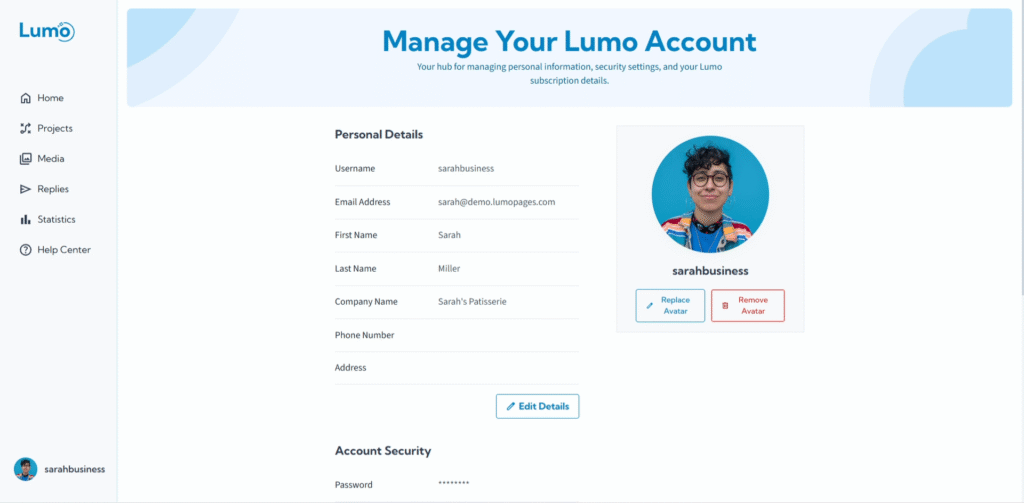
ככל שהצרכים שלכם מתפתחים, גם תוכנית LumoPages שלכם צריכה. בין אם ה-Lumos שלכם אוספים יותר תגובות ממה שציפיתם, או שאתם צריכים יותר אחסון לפרויקטים עתידיים עם העלאות קבצים, LumoPages הופכת את שדרוג או שינוי תוכנית השירות לפשוט כדי להתאים לדרישות הצומחות שלכם.
מדריך זה ילווה אתכם בתהליך שדרוג התוכנית.
למה לשדרג או לשנות את התוכנית?
- קיבולת מוגברת: קבלו מגבלות גבוהות יותר על תגובות חודשיות ואחסון העלאות כולל.
- גישה להטבות תוכניות בתשלום: Plus ו-Pro מגדילות מגבלות תגובות, אחסון, מכסות יצירה מבוססת AI, קיבולת webhooks, ו(ב-Pro) תמיכה בעדיפות.
שלב אחר שלב: שדרוג או שינוי התוכנית
בחרו את התוכנית החדשה הרצויה: לחצו על התוכנית שאליה תרצו לעבור, עם מחזור החיוב הרצוי.
- חודשי: תשלום חודש אחר חודש.
- שנתי (עם הנחה): תשלום לשנה שלמה מראש לקבלת הנחה של 10%.
אפשרות התשלום השנתי מציעה הנחה טובה אם אתם מצפים לשימוש עקבי לטווח ארוך. עם זאת, זכרו שתשלומים שנתיים אינם ניתנים להחזר.
השלימו פרטי תשלום (אם רלוונטי). אם אתם משדרגים לתוכנית בתשלום, תצטרכו לספק או לאשר את פרטי אמצעי התשלום.
- עקבו אחר ההנחיות על המסך להזנת פרטי כרטיס האשראי או פרטי תשלום אחרים.
- סקרו את הסכום הכולל ואת תדירות החיוב (למשל, "$18.00/חודש, חיוב שנתי").
אשרו שדרוג. לאחר הזנת פרטי התשלום, לחצו על כפתור "Confirm Upgrade," "Subscribe," או "Complete Purchase".
- לאחר תשלום מוצלח, חשבון LumoPages שלכם יתעדכן מיד לתוכנית החדשה, והמגבלות והתכונות החדשות יהפכו לפעילות.
- תקבלו גם אימייל אישור על שינוי התוכנית.
שיקולים חשובים
- חידוש אוטומטי: תוכניות בתשלום בדרך כלל מתחדשות אוטומטית בסוף כל מחזור חיוב (חודשי או שנתי) אלא אם מבוטלות.
- אובדן נתונים (הורדת דרגה/אי-חידוש): אם תוכנית בתשלום אינה מתחדשת או שאתם מורידים דרגה לתוכנית עם מגבלות אחסון/תגובות נמוכות יותר, חריגה מהמגבלות החדשות עלולה להוביל להגבלות על שירותים או אפילו לאובדן נתונים אם אתם חורגים ממגבלות האחסון ואינם מפחיתים שימוש. ודאו תמיד שהשימוש שלכם תואם לתוכנית שבחרתם.
שדרוג תוכנית LumoPages הוא תהליך חלק שמבטיח שתמיד יהיו לכם הכלים והקיבולת הנכונים לצרכי הטפסים הדיגיטליים שלכם. הוא מאפשר לכם להרחיב את הפעילות שלכם ללא מאמץ.