רישום Open House מותאם למובייל עם Lumo
החליפו גיליונות נייר ב-Lumo עם QR מותאם לטלפונים—אספו פרטי קונים במקום.
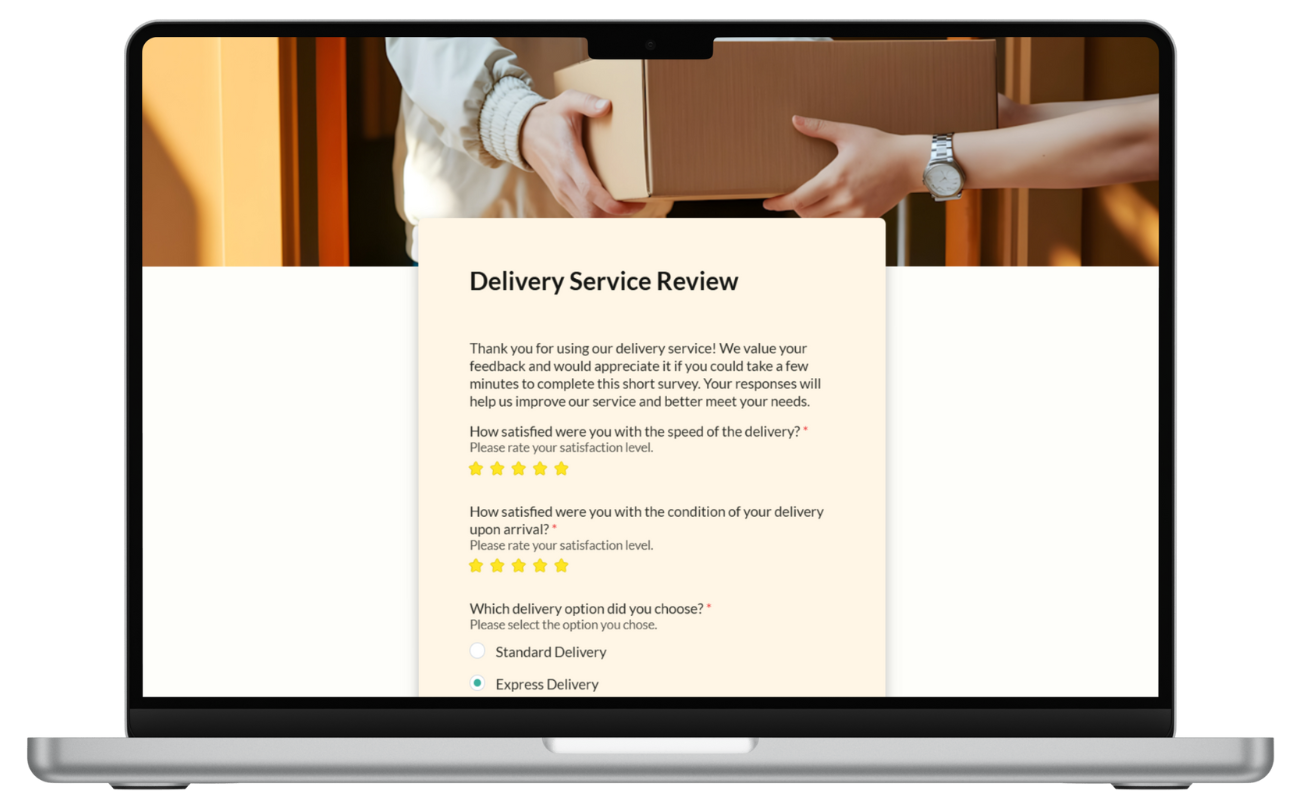
Open houses עדיין rely על clipboards: emails לא קריאים, בלי consent trail, data entry אחרי sunset. קונים מצפים ל-tap QR, להקליד בטלפון ולהמשיך. Agents צריכים CRM-ready fields בלי IT. Lumo קצר mobile-first בדלת פותר את שניהם—hosted by LumoPages, zero app install למבקרים.
למה התהליך הזה עובד היום
Traffic peaks בחלון שעתיים; forms חייבים ל-load instantly על cellular ולהשלים תוך פחות מדקה. Single long forms נכשלים על המרפסת; 2–3 stages עם tap targets גדולים מנצחים. Listing address ב-stage one content block מאשר למבקרים שהם בנכס הנכון.
QR על yard sign או counter card → Lumo URL. Agents מקבלים notifications כש-buyers serious שולחים interest fields מפורטים.
מה תצטרכו
- Listing address, date/time של open house, agent photo ו-license line
- Fields: name, email, phone, buyer/seller/investor, pre-approval yes/no, timeline, comments
- QR מודפס (link shortener אופציונלי ל-print נקי יותר)
- Compliance copy ל-contact consent לפי market rules
שלב אחר שלב: בניית Lumo הרישום
שלב 1 — Property: Photo of home, address, open house hours, "Sign in to receive listing updates."
שלב 2 — Contact: Name, email, Phone block (required for callback).
שלב 3 — Intent: Dropdown: First-time buyer / Relocating / Investor / Just browsing. Radio: Pre-approved? Timeline dropdown. Optional notes.
שלב 4 — Thanks: "We'll follow up within 24 hours." Mention SMS if you use it.
Design: high contrast buttons, minimal optional fields, no file uploads at the door. Test on your phone on LTE before print run.
חיבור לסטאק שלכם
צרו QR מ-URL של Lumo שפורסם; הדביקו על שולחן הכניסה. שלחו גם את הקישור ב-SMS למבקרים שסרקו flyer של listing online. ל-brokerages עם אתר נכסים סטטי, הטמיעו את אותו Lumo בתחתית דף ה-listing ל-traffic של open house וירטואלי.
שכפלו Lumo לכל listing; שנה רק stage-one property block ו-QR—שומר על ייצואי Inbox מופרדים לפי כתובת כשממנים פרויקטים בבירור.
ניהול תגובות בלי backend
במהלך ה-open house, הציצו ב-Inbox count ל-headcount מול foot traffic. באותו ערב: export CSV, import ל-CRM או חייגו מרשימת טלפונים. Status: New עד contact, Resolved אחרי showing scheduled.
השוו listings לפי export volume ו-mix של buyer-intent dropdown—בלי dashboard מותאם ל-agents solo.
התחילו לבנות
השליכו את ה-clipboard ב-open house הבא. פרסמו Lumo sign-in, הדפיסו QR, וצאו עם leads ניתנים לחיפוש במקום נייר מוכתם.