החליפו טופס PDF ב-Lumo קליטת לקוחות ממותג
סוכנויות ויועצים יכולים לאסוף קליטת לקוחות מובנית והקשר פרויקט ב-Lumo ממותג עם מעקב Inbox.
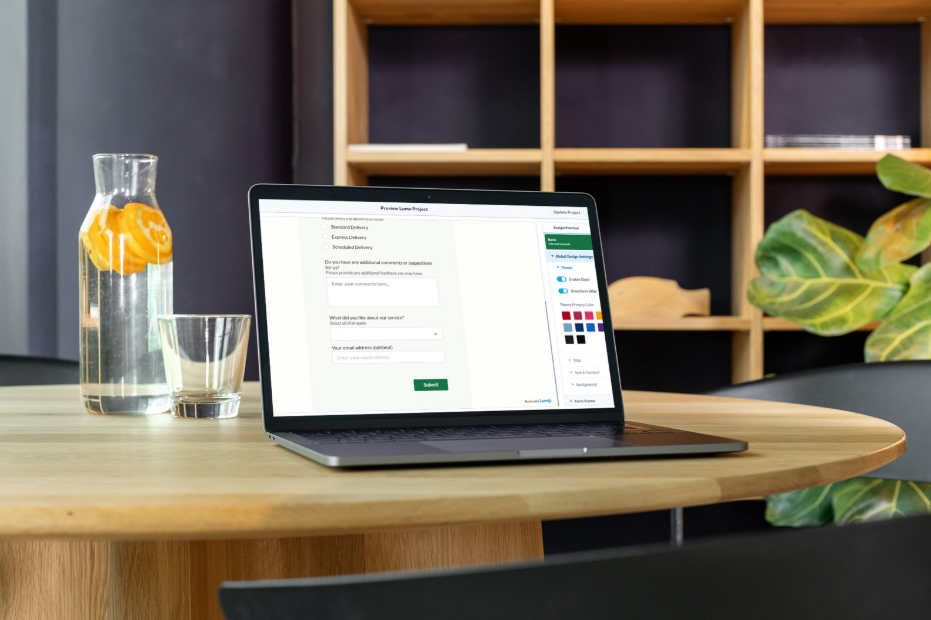
לקוחות חדשים עדיין מקבלים חבילות קליטה ב-PDF—הדפסה, סריקה, שליחה בחזרה במייל, אובדן של חצי מהשדות. בינתיים הצוות שלכם מקליד מחדש תשובות ל-Notion או לכלי פרויקט. Lumo קליטה ממותג אוסף הכל פעם אחת, בסדר, עם ולידציה ורשומה ניתנת לחיפוש ב-LumoPages Inbox.
למה התהליך הזה עובד היום
שירותים מקצועיים חיים על בהירות לפני ההתחלה: מטרות, בעלי עניין, נכסי מותג, פרטי גישה, אישורי משפט. Lumos רב-שלביים מאפשרים להסביר למה כל מקטע חשוב (מפחית הגשות לא שלמות) ולהסתעף לפי קו שירות—ריטיינר מול פרויקט חד-פעמי מול ביקורת—באמצעות לוגיקה מותנית.
לקוחות משלימים במחשב או בטלפון; אתם נמנעים מ"ראו PDF לא שלם v3 FINAL מצורף."
מה תצטרכו
- שאלות הקליטה הסטנדרטיות שלכם (מקובצות לפי נושא: חברה, פרויקט, מותג, חיוב)
- לוגו וצבעי מותג ל-Lumo
- רשימת סוגי קבצים שלקוחות חייבים להעלות (חבילת לוגו, הנחיות מותג) אם נתמך בתוכנית שלכם
- בעלים פנימי שעוקב אחר Inbox ומסמן קליטה כהושלמה
שלב אחר שלב: בניית Lumo הקליטה
שלב 1 — ברוכים הבאים: הגדירו ציפיות: זמן להשלמה (~10 דק'), למי לפנות עם שאלות, הערת סודיות.
שלב 2 — חברה ואנשי קשר: שם חברה, אתר, איש קשר ראשי, תפקיד, איש קשר לחיוב אם שונה.
שלב 3 — היקף פרויקט: Dropdown לחבילת שירות, תאריך יעד להשקה, טווח תקציב, מטרות (טקסט ארוך), מתחרים (טקסט קצר).
שלב 4 — מותג ונכסים: קישורים ל-Google Drive/Dropbox, או שדות העלאת קבצים ללוגואים; בלוק checklist ל"הנחיות מותג," "ספריית תמונות," "גישה לחשבונות פרסום."
שלב 5 — משפטי והעדפות: העדפת ערוץ תקשורת, תיבת סימון לסמכות חתימה, אישור תנאים.
השתמשו ב-AI Assistant לטיוטת ניסוח שאלות, ואז ליטוש ידני של שורות רגישות משפטית. תצוגה מקדימה של כל המסע לפני שליחת הקישור בתבנית מייל הברכה.
חיבור לסטאק שלכם
שלחו את קישור ה-Lumo במייל לאחר חתימת החוזה ("השלימו קליטה לפני שיחת ההתחלה"). הטמיעו גרסה רזה בדף פורטל הלקוחות אם אתם משתמשים ב-Notion או באזור חברים. אל תפרסמו את הקישור בפומבי—טפלו בו כ-URL תהליכי המשותף לכל לקוח.
אופציונלי: שכפלו את ה-Lumo לכל ורטיקל (למשל "קליטה — E-commerce" מול "קליטה — SaaS") עם אפשרויות dropdown מותאמות מראש.
ניהול תגובות בלי backend
כל הגשה היא שורה אחת ב-Inbox עם workflow סטטוס: New → In Progress (מישהו בודק) → Resolved (מוכן להתחלה). ייצוא ל-CSV לייבוא סיכומים לכלי PM, או PDF לתיקי לקוח. חברי צוות בלי מושב LumoPages עדיין יכולים לקבל ייצואים.
חיפוש לפי שם חברה כשלקוח מתקשר באמצע הבדיקה. לא עוד חפירה בשרשורי מייל אחר "אותו קובץ מצורף."
התחילו לבנות
שדרגו את הרושם הראשון אחרי חתימת החוזה. החליפו את חבילת ה-PDF ב-Lumo קליטה אחד והתחילו כל פרויקט עם נתונים נקיים ומובנים.